
Creating an account on Apartments.com allows you to list your property and reach millions of renters in minutes. The best part? It’s super easy.
Watch the video on how to create an account with Apartments.com Rental Tools down below or on YouTube.
Get Started
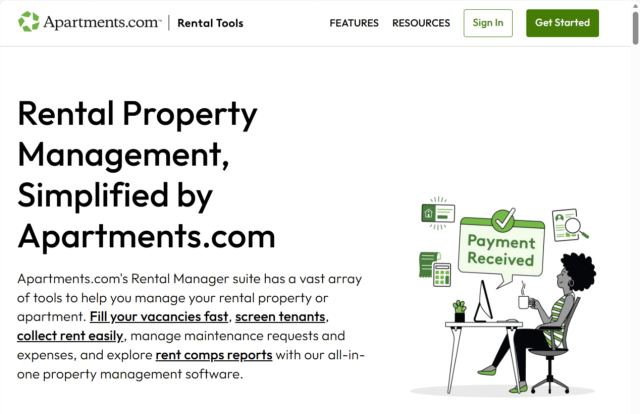
First, click the green "Get Started" button in the top right corner of any page on Apartments.com Rental Tools.
Input Your Information
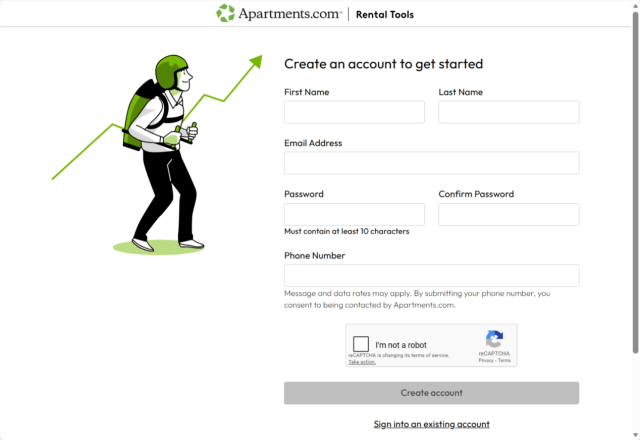
Next, fill out the information fields with your name, email address, and a password with at least 10 characters. Once you’ve input all your information, select “I’m not a robot” and click “Create account.”
Add a Property
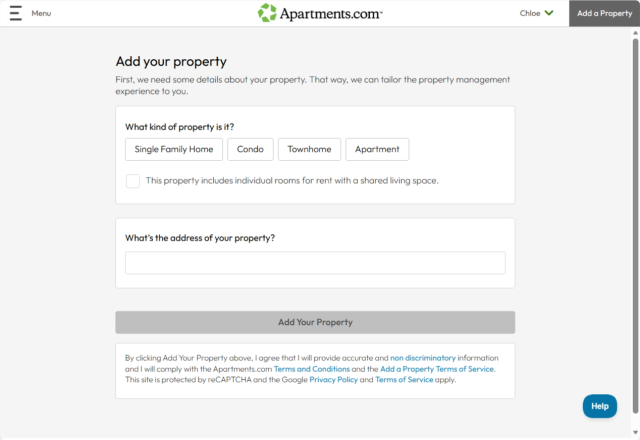
After you create your account, you’ll be prompted to add a property. If you’re ready to list your property, fill out the basic information about your rental and proceed through each step of the listing process.
Once you add your property, you’ll be able to access all the Rental Tools features, including:
- Creating a lease agreement
- Screening renters
- Collecting rent
- Managing maintenance requests
- Tracking rental expenses
Rental Tools has you covered through your entire lease cycle.
Explore Your Dashboard
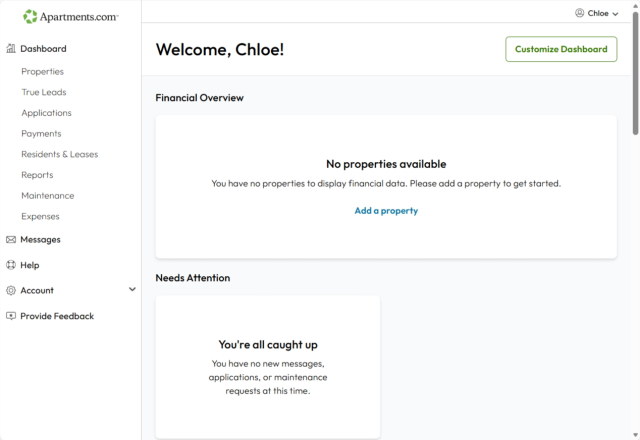
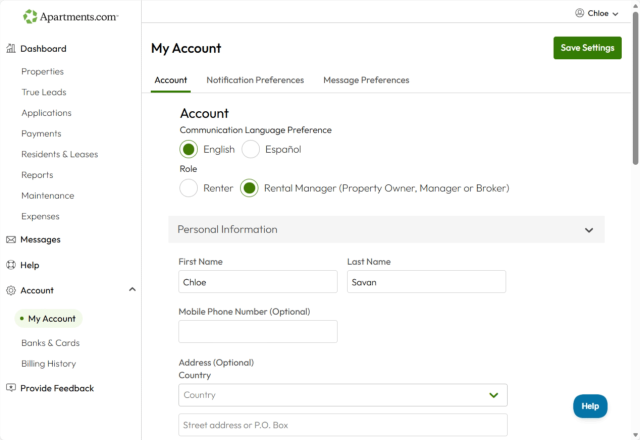
If you’re not ready to add a property just yet, click on your name in the top right corner and select “My Account.” This will take you to your Rental Tools dashboard, where you can:
- Adjust your contact and notification preferences
- Send and receive messages
- Access rent comp reports
- Add widgets to tailor your experience
Creating a Rental Tools account is the first step in streamlining your property management. With a customizable dashboard, exclusive Apartments.com insights, and exposure to millions of monthly visitors, Apartments.com Rental Tools is the best way to level up your landlording.


